

 #FINDGUS
Find Gus Basement: Chuck's room guide
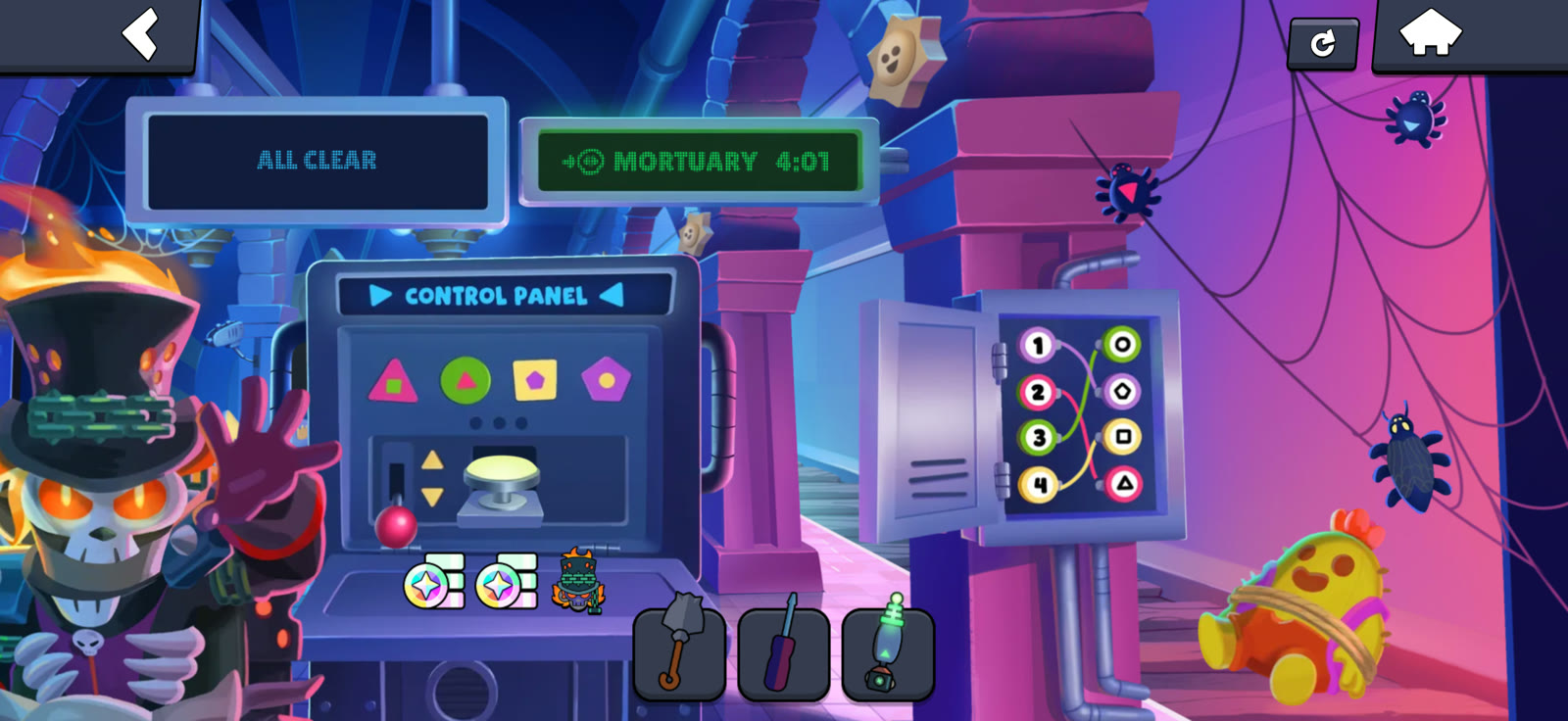
To solve Chuck's Basement in Brawl Stars Find Gus, collect four shape buttons, wire the fuse box and enter the sequences below to stop the train. Finish with at least 3:00 remaining to earn the Chuck pin and both Bling bonuses.
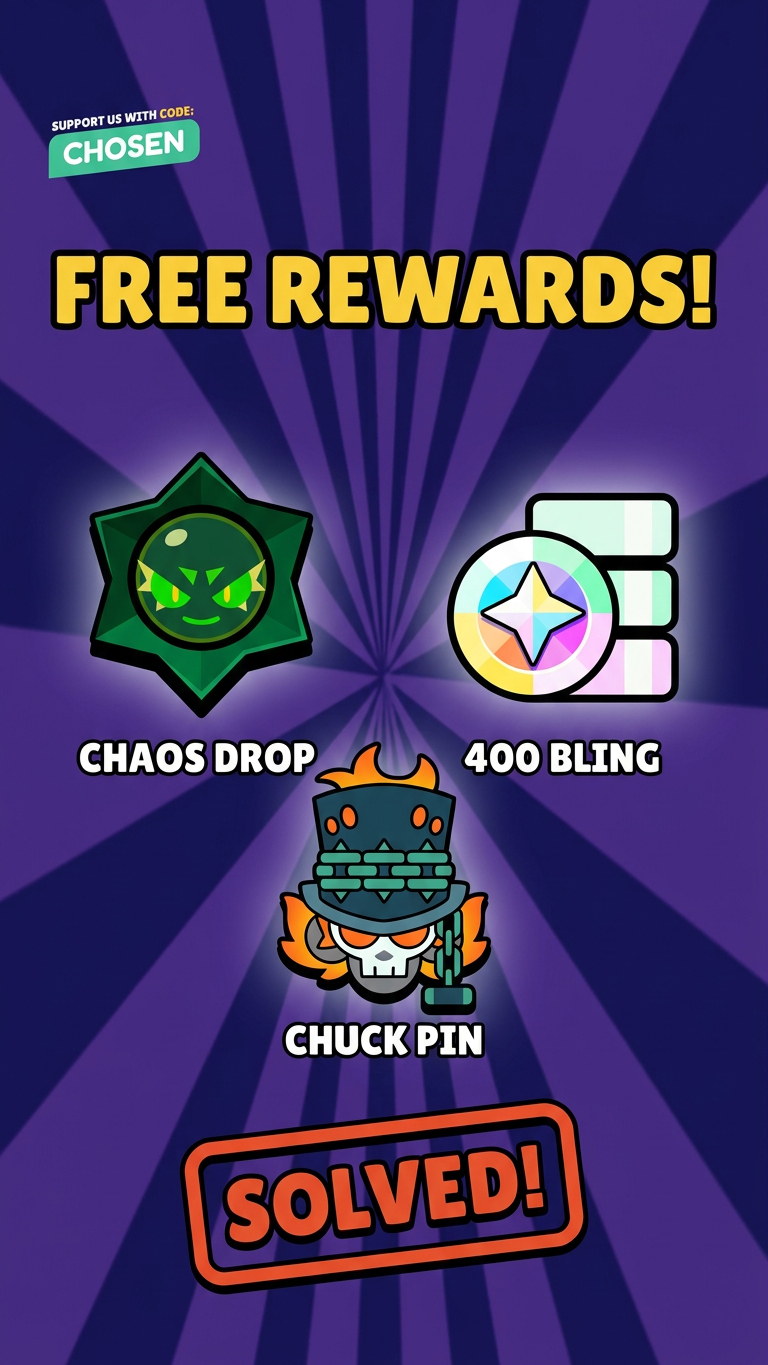
 Chaos Drop
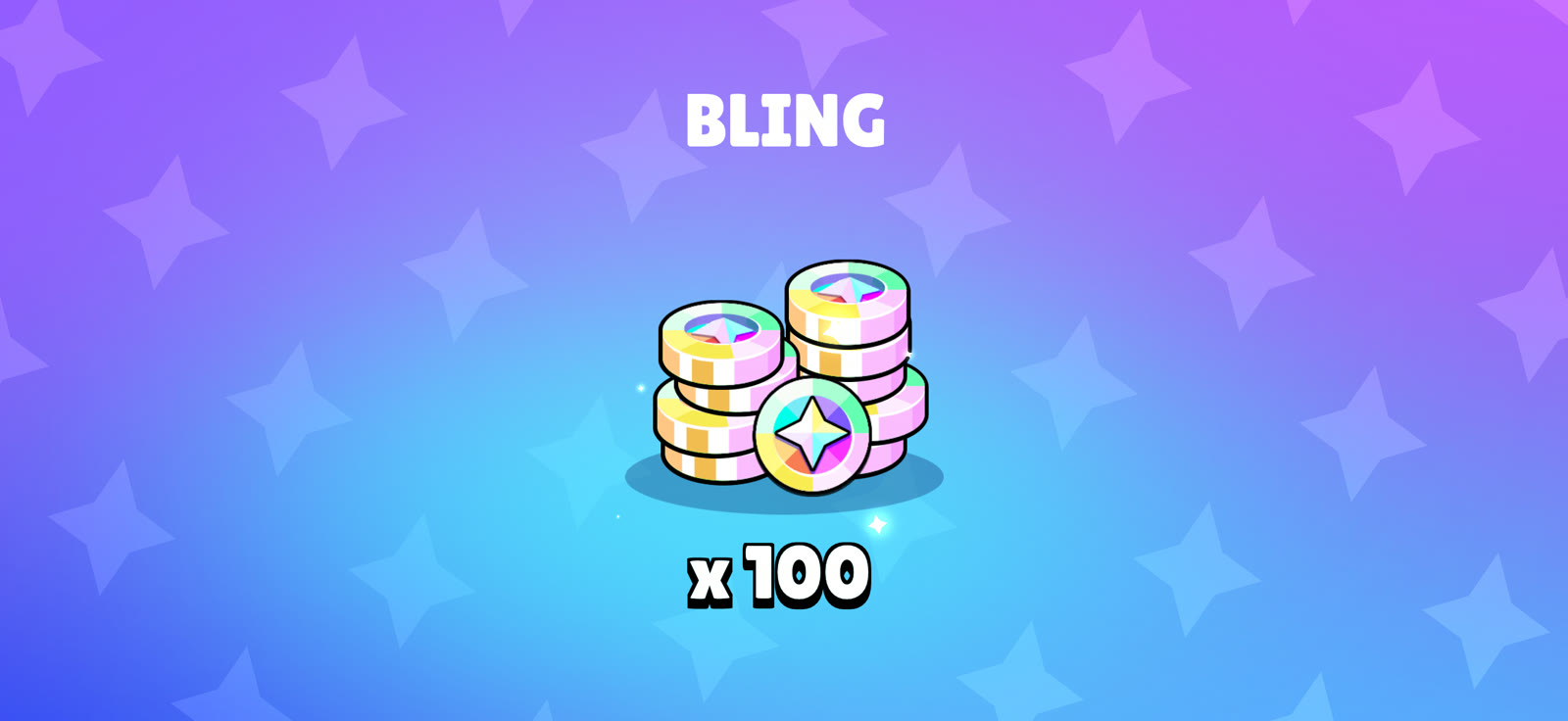
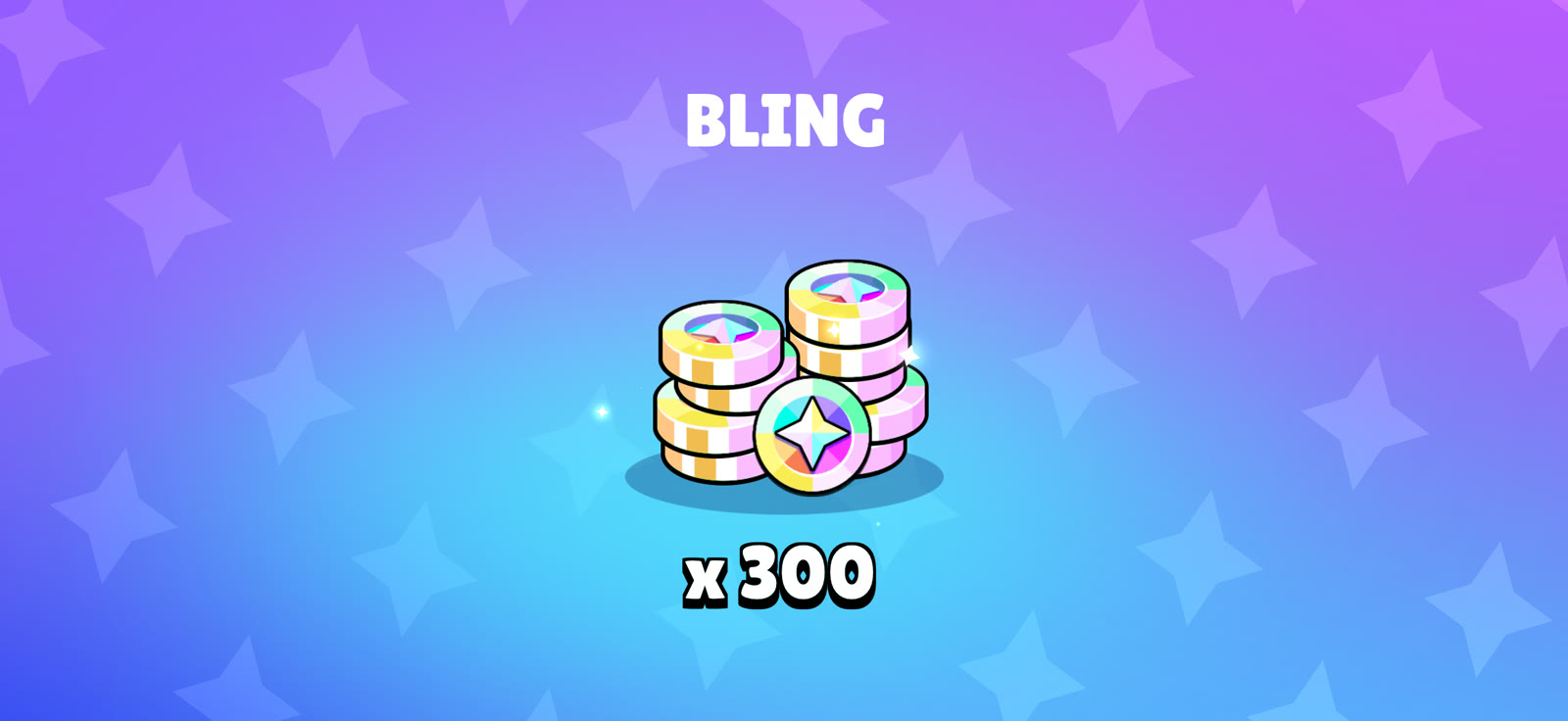
 100 + 300 Bling
 Chuck pin
Updated . Completed with 4:01 remaining.
Basement codes: quick solution
Control panel positions 1–4 run left to right. These position numbers are our shortcut, not the board's IN/OUT labels.
 1Triangle
 2Circle
 3Square
 4Pentagon
| Stage | Where to tap | Order |
|---|---|---|
| First sequence | Control panel buttons | 4 → 3 → 2 → 1 |
| Second sequence | Control panel buttons | 2 → 1 → 4 → 3 |
| Third sequence | Control panel buttons | 1 → 2 → 2 → 1 |
| FINAL CODE | Fuse-box numbers | 4 → 2 → 3 → 1 |
| REWIRE | Fuse-box pairs | 1 = pentagon; 2 = triangle; 3 = circle; 4 = square |
| Last sequence | Control panel buttons | 1 → 3 → 2 → 4 |
After the last sequence, press the large round button below the shapes.
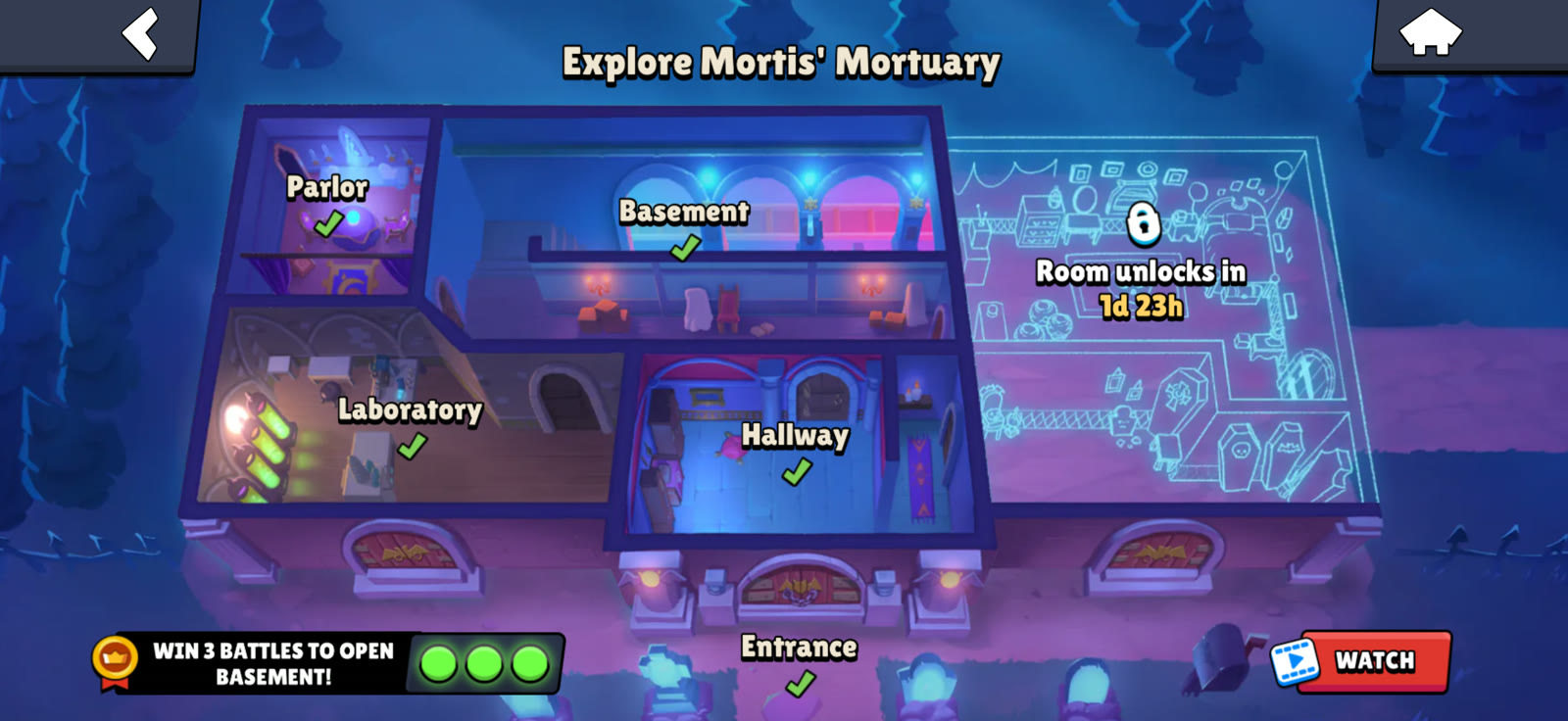
1. Unlock Chuck's Basement
Complete the earlier rooms and win three battles to open the Basement. Bring the screwdriver from the Hallway. The five-minute timer starts after Chuck's opening dialogue.
2. Open the control panel and collect the buttons
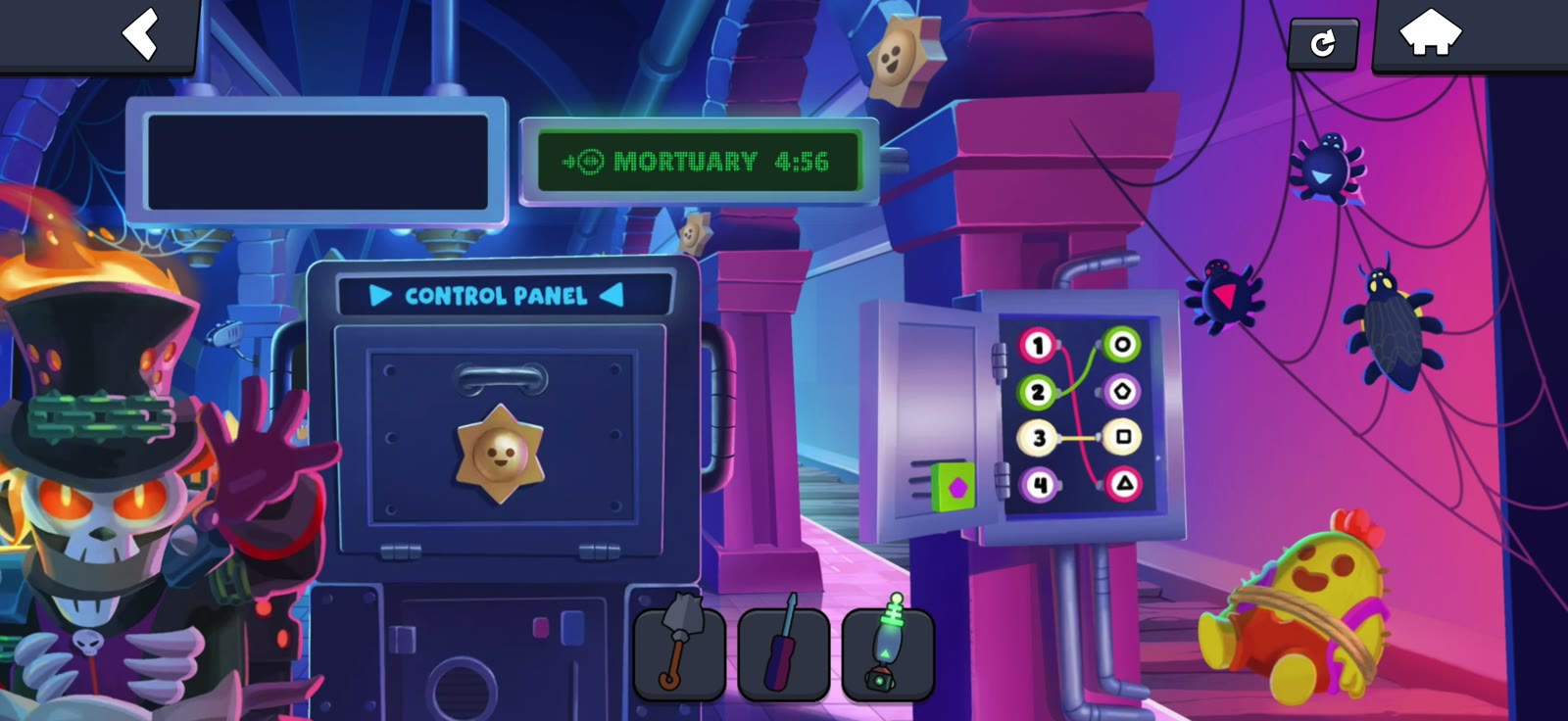
- Tap the control-panel door in the center.
- Select the screwdriver and tap the metal fuse box on the right. Opening it reveals the square button.
- Tap the three bugs on the right-hand web to move them away from the triangle, circle and pentagon buttons.
- Drag all four shape buttons onto the open control panel. They snap into their correct positions.
3. Wire the first circuit and pull the lever
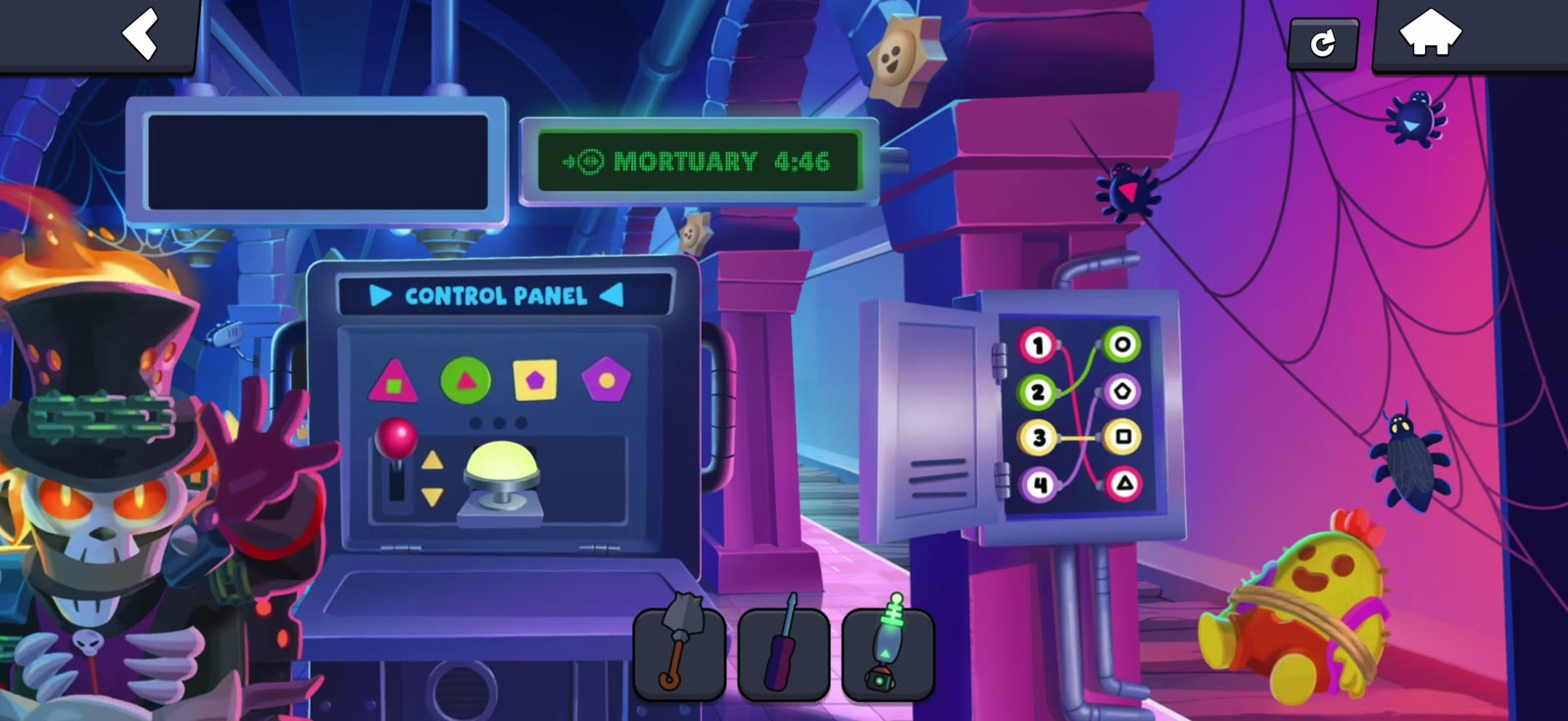
Tap a number on the left of the fuse box, then its matching shape on the right. Connect all four pairs:
| Number | Shape |
|---|---|
| 1 | Triangle |
| 2 | Circle |
| 3 | Square |
| 4 | Pentagon |
Once the four buttons are seated and the circuit is complete, pull the red lever below the control panel buttons.
4. Enter the control panel sequences and fuse code
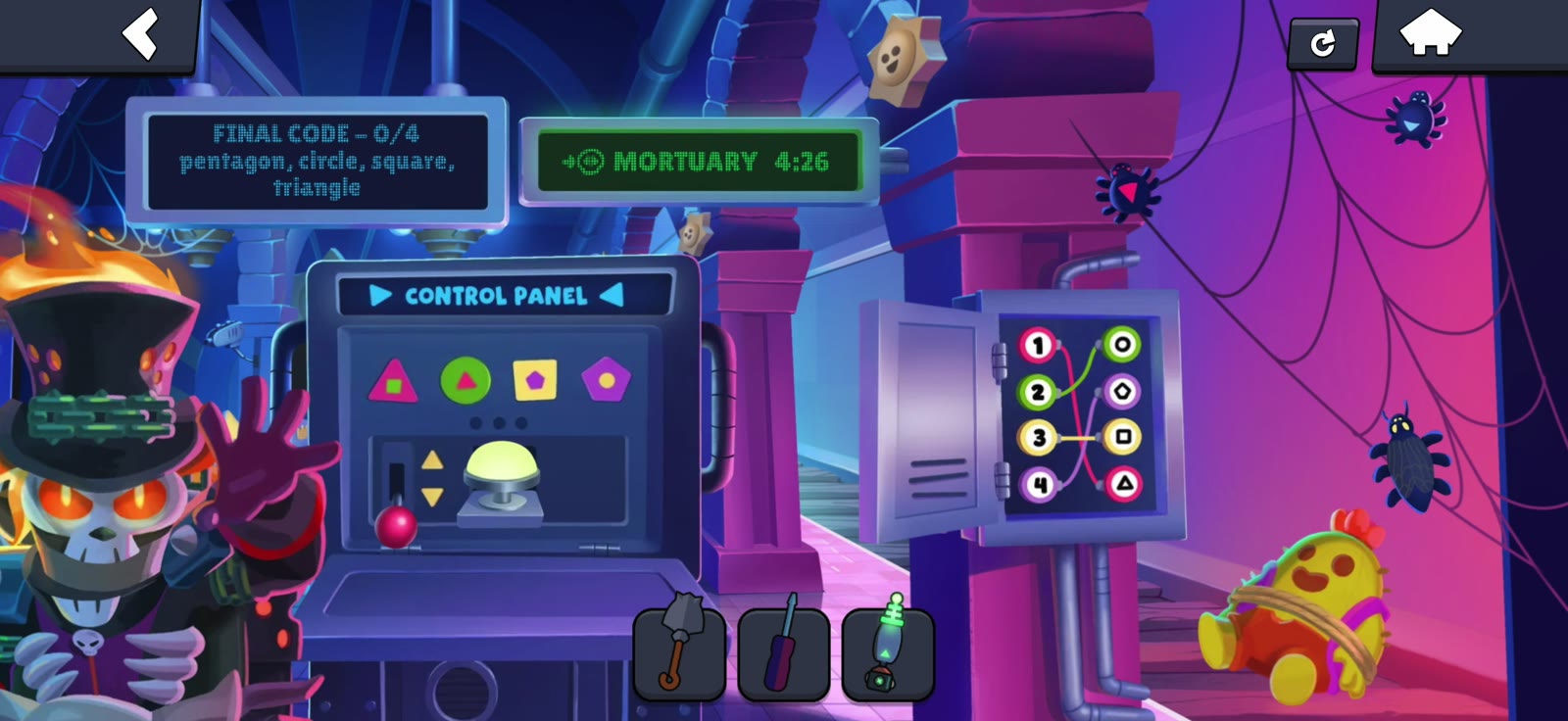
Tap the control panel buttons using their left-to-right positions:
- 4 → 3 → 2 → 1 (pentagon, square, circle, triangle).
- 2 → 1 → 4 → 3 (circle, triangle, pentagon, square).
- 1 → 2 → 2 → 1 (triangle, circle, circle, triangle).
When the board says FINAL CODE, switch to the number terminals on the fuse box and tap 4 → 2 → 3 → 1. This decodes pentagon, circle, square, triangle.
If you mistap: restart the current four-tap sequence. Completed stages stay completed, but the timer keeps running.
5. Rewire, enter 1-3-2-4 and stop the train
The fuse box shorts out after the number code. Connect the new pairs:
| Number | Shape |
|---|---|
| 1 | Pentagon |
| 2 | Triangle |
| 3 | Circle |
| 4 | Square |
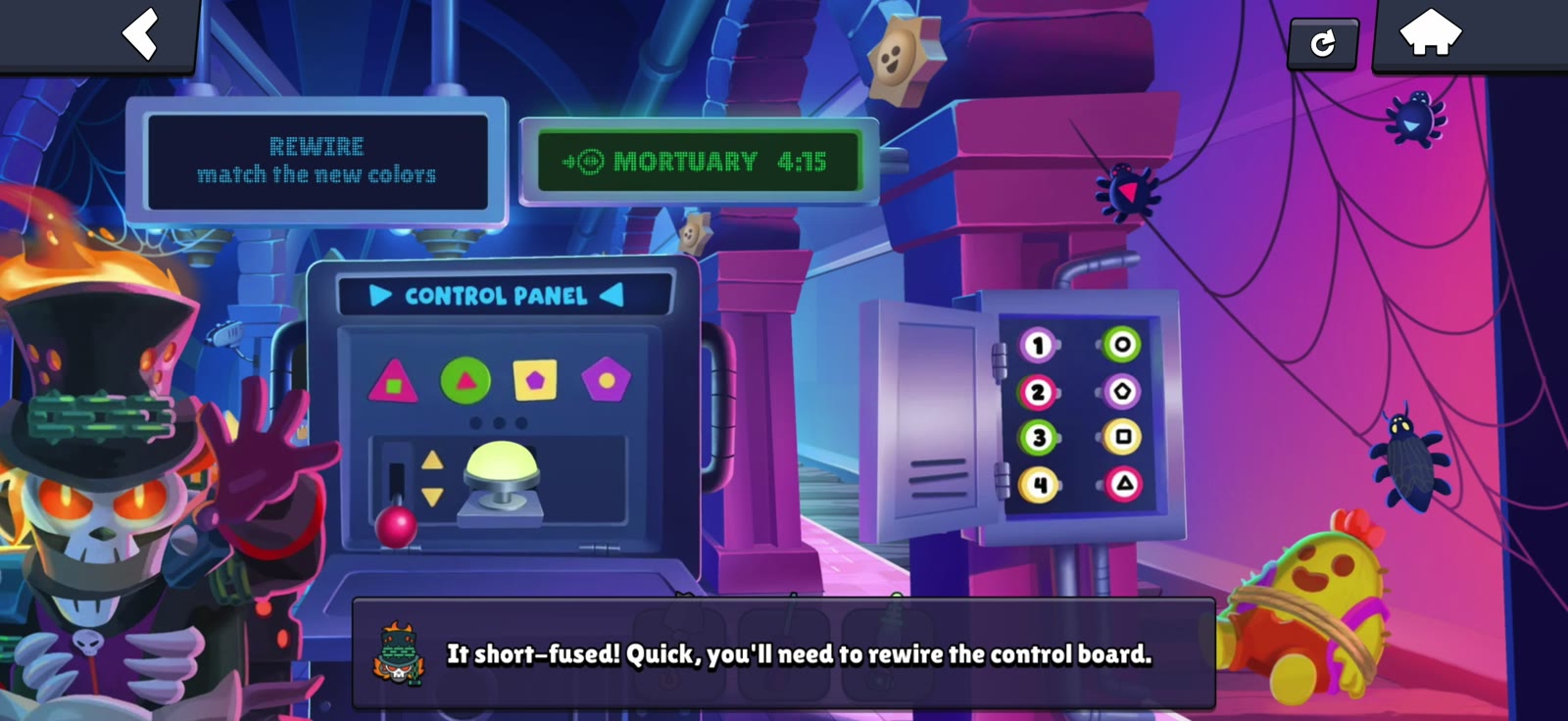
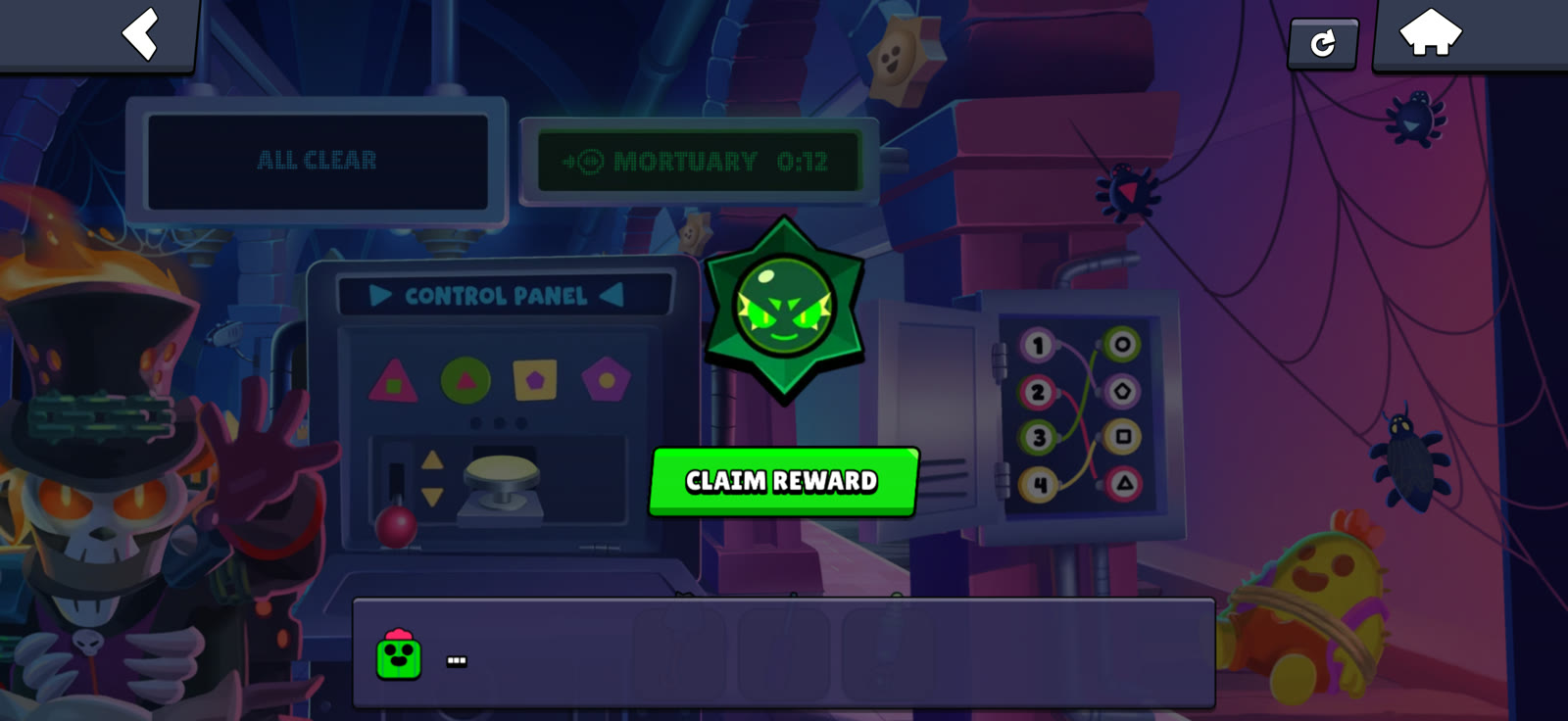
Return to the control panel buttons and tap 1 → 3 → 2 → 4 (triangle, square, circle, pentagon). When the board says ALL CLEAR — PRESS THE BUTTON, press the large round button below the shapes. This stops the timer. Finish the dialogue and claim the rewards.
How to get the Chuck pin and 400 Bling
Finish within two minutes, leaving at least 3:00 on the clock, for all bonuses. The rewards stack:
| Time remaining when you press the final button | Reward |
|---|---|
| Before the timer expires | Chaos Drop |
| At least 1:00 | 100 Bling |
| At least 2:00 | Another 300 Bling (400 total) |
| At least 3:00 | Chuck Brawloween pin |
Tap each bonus icon on the control panel tray after the ending dialogue. If you miss a threshold, use the restart button for another attempt.

Chuck's Basement,
solved in 59 seconds.
See the wiring and button sequences in action. Get the Chaos Drop, 400 Bling and Chuck pin.
Watch the walkthroughMore free Brawl Stars rewards
Finished Chuck's Basement? Check the latest reward links and QR codes.
Browse free Brawl Stars rewards →Earlier rooms: Entrance • Hallway • Laboratory • Mr. P's Parlor.